 |
 |
|
 |
||
 |
||
|
Setting
up a Windows FLEXlm License Server |
|
|
Begin
by downloading the FLEXlm tools for Windows from the TMP Vision/SLIM
download page. Once you have unpacked the FLEXlm tmpinc vendor daemon
and obtained your license file from TMP, follow the instructions below
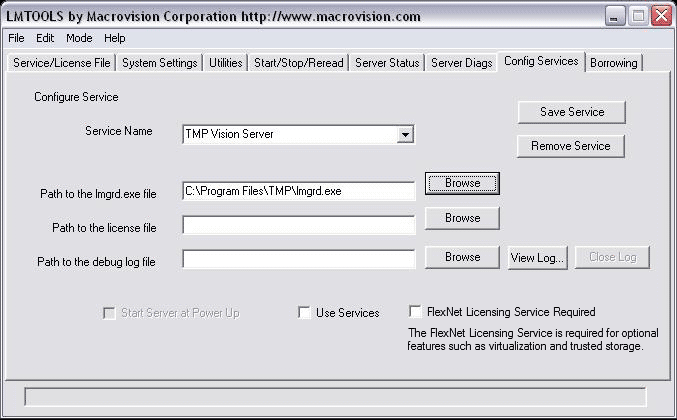
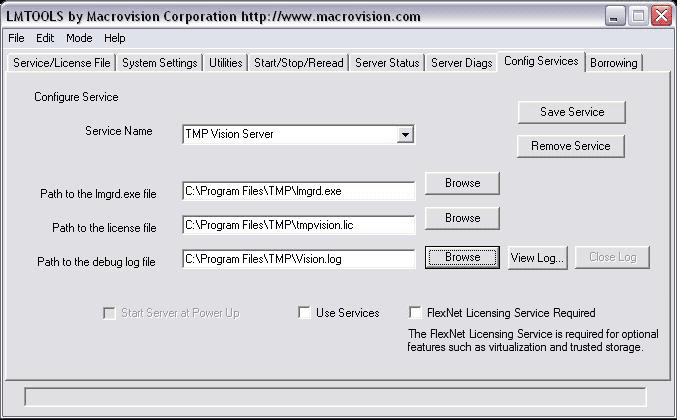
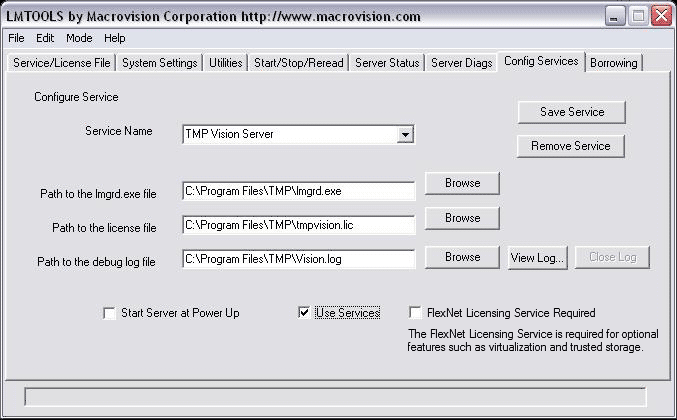
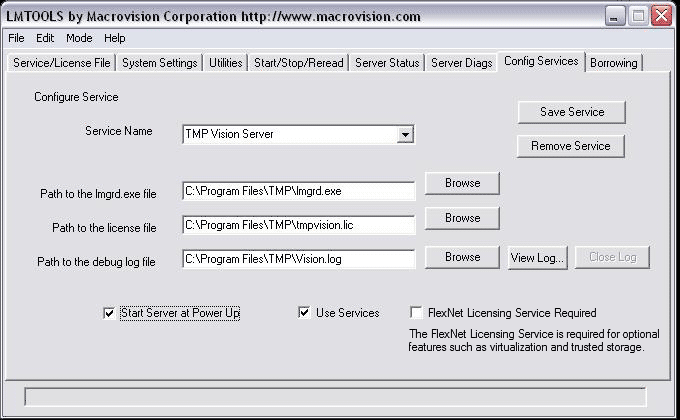
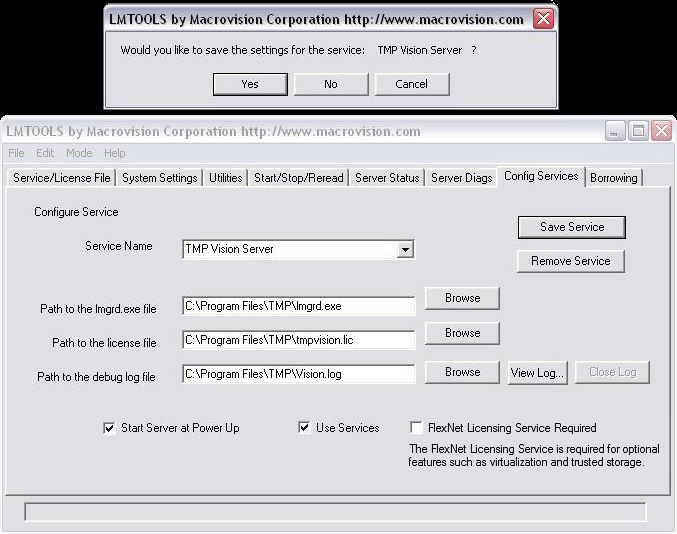
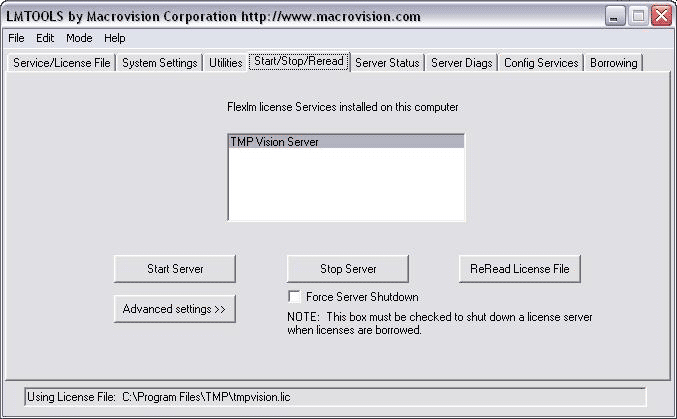
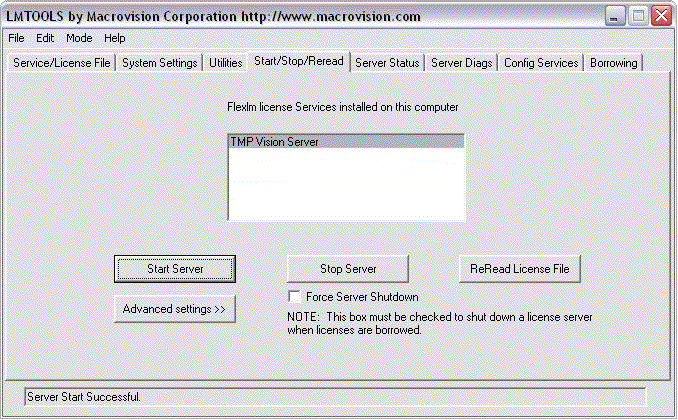
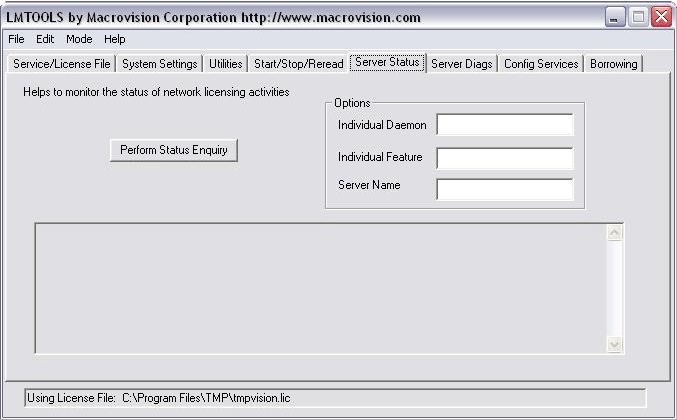
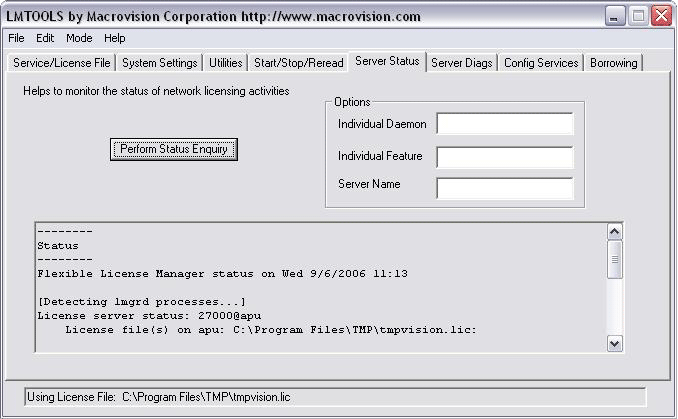
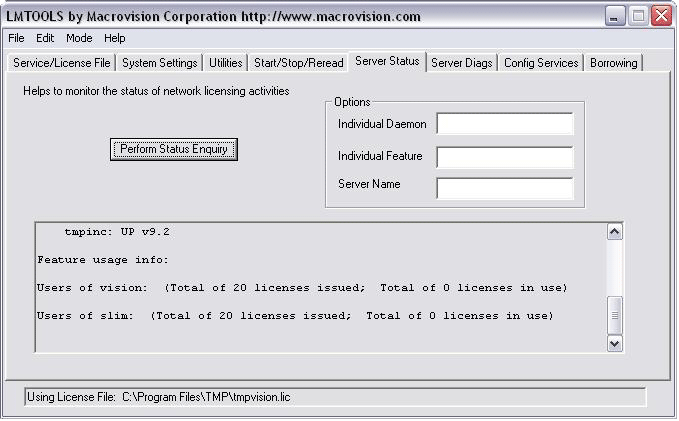
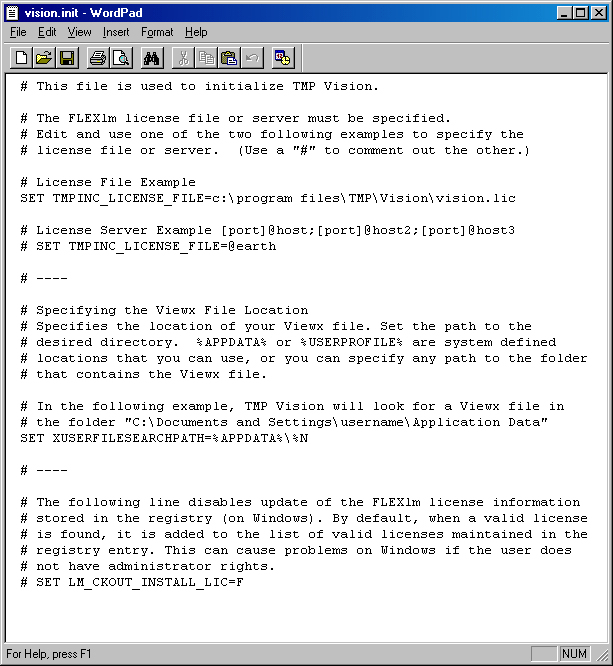
to set up your license server as a Windows service. The steps are summarized below. If you would like to see the steps and the associated lmtools dialogs, they are provided below. They are also lined to each step.
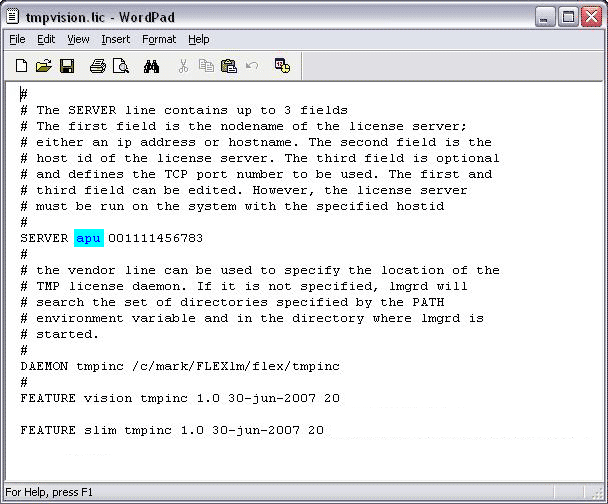 Run lmtools. 
|
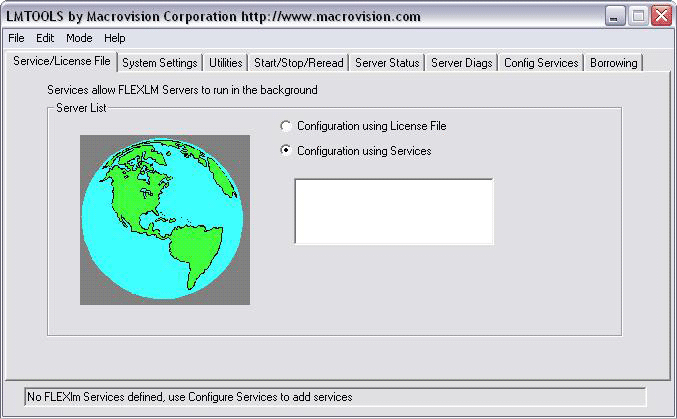
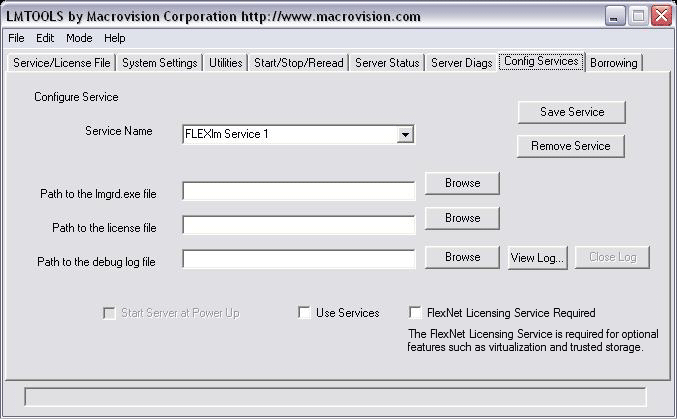
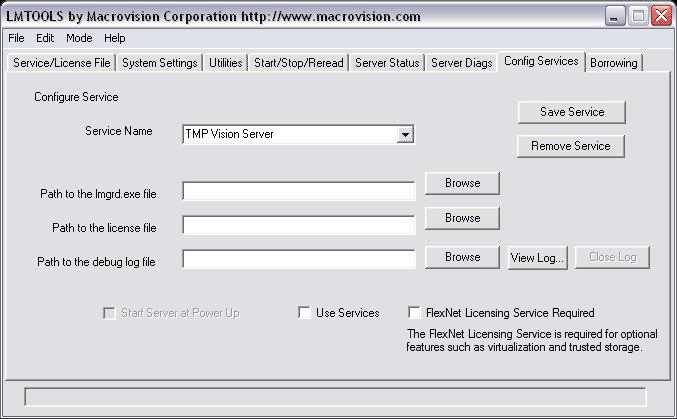

 |
Third Millennium Productions, Inc. |
| Setting up a Windows FLEXlm License Server
|
|
Begin
by downloading the FLEXlm tools for Windows from the TMP Vision/SLIM
download page. Once you have unpacked the FLEXlm tmpinc vendor daemon
and obtained your license file from TMP, follow the instructions below
to set up your license server as a Windows service. The steps are summarized below. If you would like to see the steps and the associated lmtools dialogs, they are provided below. They are also lined to each step.
Run lmtools.
|
| Copyright©
2019 Third Millennium Productions, Inc. All rights reserved | Legal
information | Privacy policy |